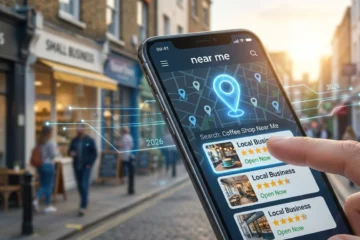
Let’s be real for a second. When you’re hungry, your sink is leaking, or you need a haircut, what is the very first thing you do?
You don’t pick up a phone book (do those even exist anymore?). You probably don’t even type a specific website URL into your browser.
No. You open Google—or Google Maps—and you search “best pizza near me” or “plumber in [City Name].”
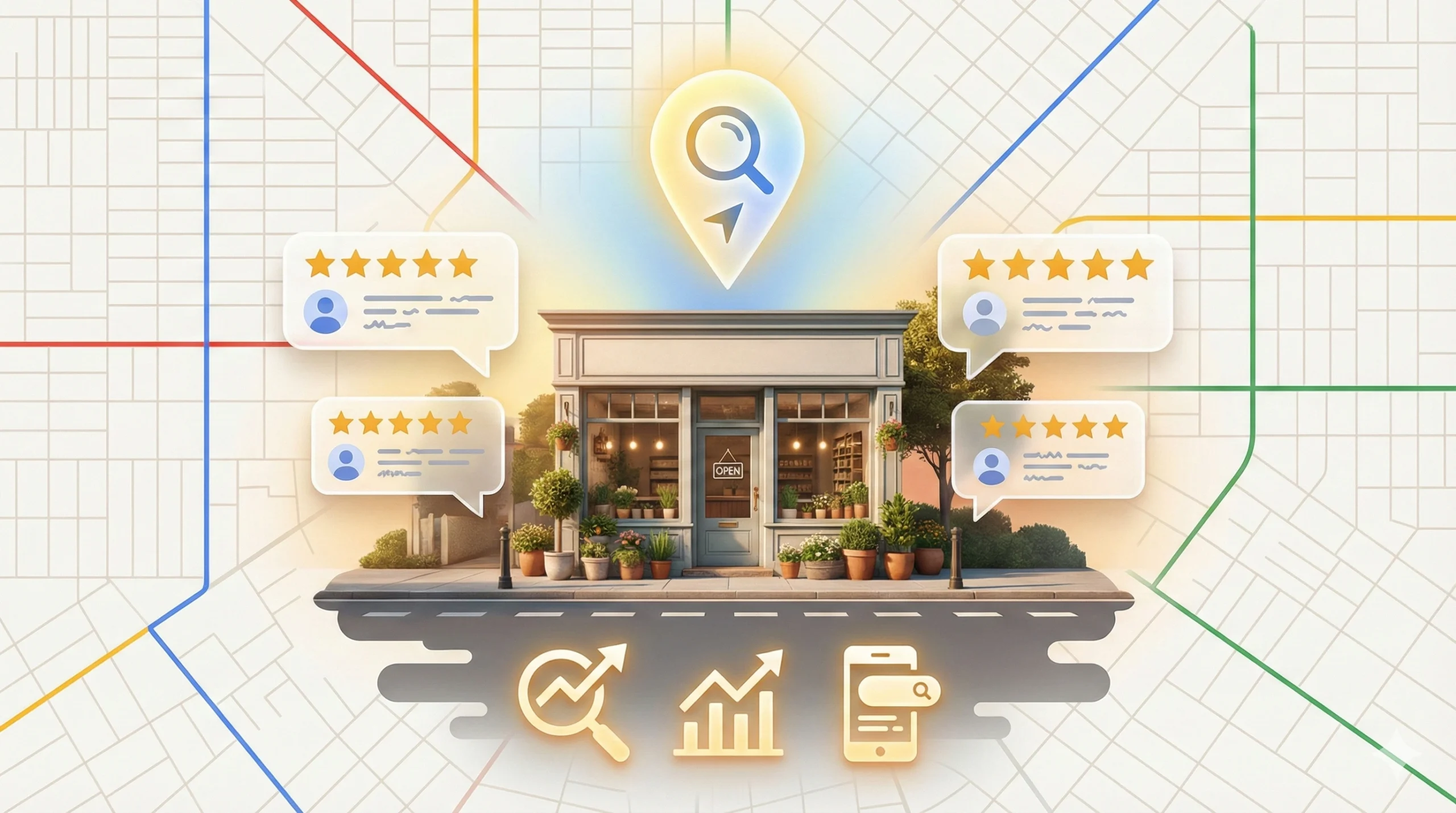
If your business doesn’t show up in that “Local Pack“—you know, those top three listings with the map, the star ratings, and the phone numbers—you are practically invisible to your local customers. It sounds harsh, but in the digital world, if you aren’t on the map, you don’t exist.
I’ve seen amazing businesses with incredible services fail to get traction simply because they treated their Google Business Profile (GBP) like a “set it and forget it” task. On the flip side, I’ve seen smaller, newer businesses dominate their market simply because they understood the nuances of Local SEO.
Here is the good news: Fixing this is not rocket science. It doesn’t require a degree in computer engineering. It just requires consistency, attention to detail, and knowing what search engines want to see.
In this massive guide, I’m going to walk you through exactly how to optimize your profile from a “digital ghost town” into a 24/7 lead-generating machine.
The “Zero-Click” Revolution: Why GBP Wins
Before we dive into the “how-to,” we need to understand the “why.”
Years ago, the goal of search engines was to direct traffic to your website. You ranked #1, people clicked your link, and they landed on your homepage.
Today, Google wants to keep users on Google.
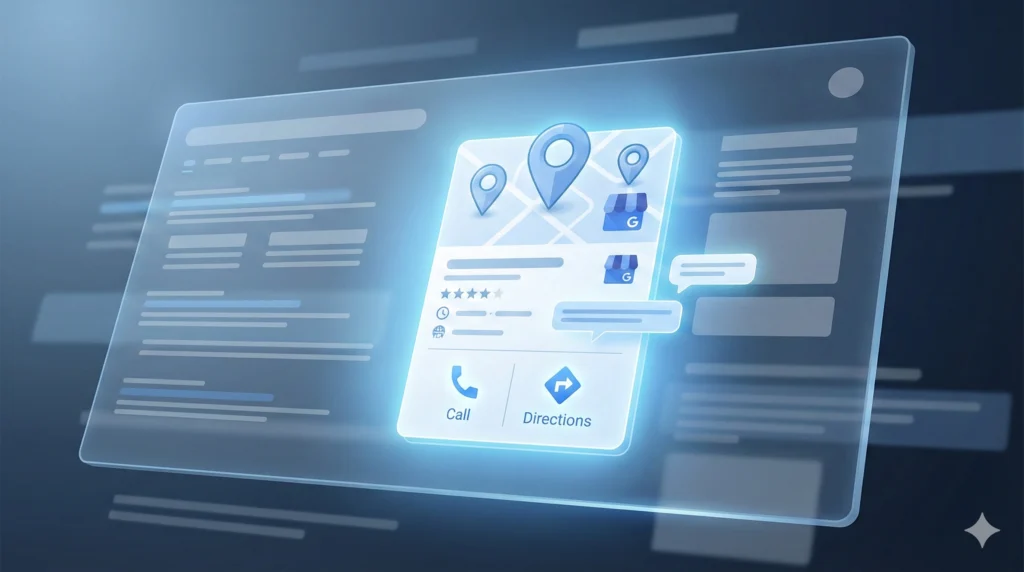
This is called a “Zero-Click Search.” A user types “Italian restaurant open now,” sees your Google Business Profile listing, checks your menu directly on the profile, reads three reviews, looks at food photos, and clicks the “Call” button. They just became a customer without ever visiting your actual website. If your GBP isn’t optimized, you aren’t just missing website traffic; you are missing the transaction entirely. Your GBP is essentially your “second homepage”—and for many mobile users, it’s actually your first.
Getting Started: Claiming and Verification
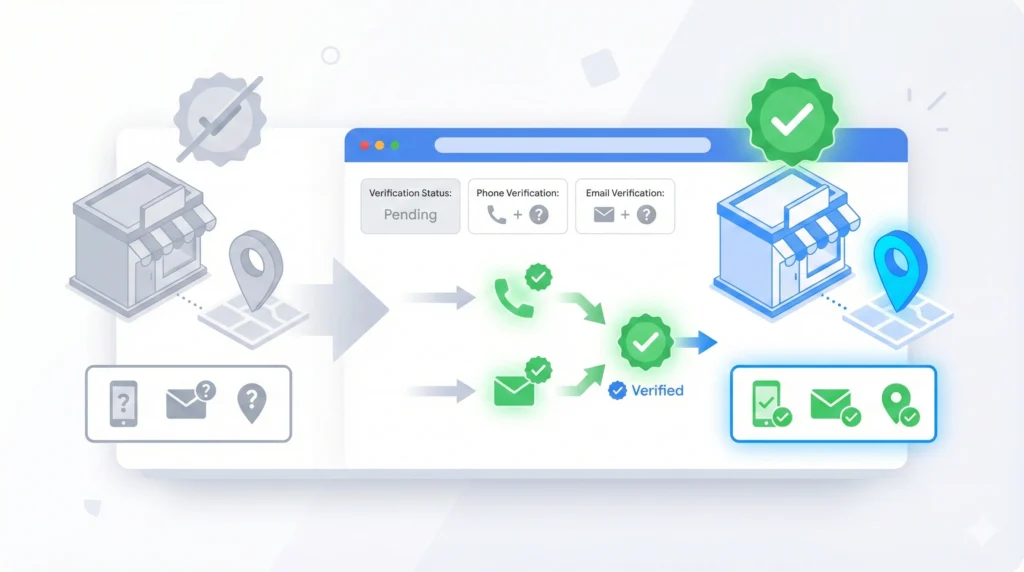
You can’t optimize what you don’t own. If you haven’t claimed your business yet, this is step one.
- Go to Google Business Profile Manager: Log in with the Google account you want associated with your business.
- Find or Add Your Business: Type your business name. If it pops up, click “Claim this business.” If not, click “Add your business to Google.”
- Verification is Key: Google needs to know you are real.
- Postcard: The classic method. They mail a code to your address. It takes 5-14 days. Do not edit your info while waiting for this card, or the code will die!
- Phone/Email: Rare, but available for some trusted business categories.
- Video Verification: This is the new standard for 2026. You may need to record a continuous video showing your street sign, your unlocking of the door, and your payment processing equipment. It feels intrusive, but it fights spam effectively.
Pro Tip: If you are struggling with video verification, make sure you are recording during business hours and have your official signage clearly visible.
The Foundation: NAP Consistency & Contact Info
This is the parent rock of Local SEO.
NAP stands for Name, Address, and Phone Number.
It sounds simple, right? But here is where I see businesses mess up constantly. Your NAP details on Google must match exactly what is on your website, your Facebook page, your Yelp listing, and other directories.
The Name Game
Be honest. If your sign says “Jon’s Pizza,” your Google Business Profile name should be “Jon’s Pizza.” Do NOT call it “Jon’s Pizza – Best Slice in New York & Delivery.” Adding keywords to your name is a direct violation of Google’s Terms of Service. It might work for a week, but eventually, a competitor will report you, or Google’s AI will catch you, and you will get suspended.
The Phone Number
Use a local number (with a local area code) if possible. It sends a strong signal to search engines that you are truly local. If you use a call tracking number to measure ROI, that’s fine, but put your “real” local number as the “secondary” phone number in the dashboard so Google can still match your data.
Website URL
Link to the specific page that matters. If you have one location, link to your homepage. If you are a franchise with 50 locations, link to the specific “Location Page” on your site (e.g., yoursite.com/locations/downtown-branch).
The Category Strategy: Primary vs. Secondary

This is the most critical ranking factor in the entire ecosystem.
The Primary Category: You only get one. This tells Google exactly what you are.
- Mistake: Choosing “Restaurant” when you are a “Pizza Restaurant.”
- Mistake: Choosing “Contractor” when you are a “Roofing Contractor.” Be as specific as possible. The primary category holds the most weight in the ranking algorithm.
Secondary Categories: This is where you can cast a wider net. You can add up to 9 secondary categories. For example, a marketing agency might use:
- Primary: Internet Marketing Service
- Secondary: Website Designer
- Secondary: Advertising Agency
- Secondary: Marketing Consultant
Action Step: Look at your top 3 competitors in the map pack. What categories are they using? There are Chrome extensions (like GMB Spy) that can reveal this. If they are winning with a specific category, you should probably be using it too.
Writing a Description That Actually Sells

You have 750 characters to tell your story. But here is the catch: Google only displays the first 250 characters before the “Read More” cut-off.
That means you cannot waste time with a boring history lesson like, “Founded in 1982 by my grandfather…”
Structure your description like this:
- The Hook (First 250 chars): State exactly what you do, who you help, and your location. Include your main keywords naturally.
- Example: “Looking for the best Local SEO agency in Delhi? Boost Hive Digital helps businesses explode their growth with proven performance marketing strategies.”
- The Meat (Middle): List your USP (Unique Selling Proposition). Why you? Awards? 24/7 service? Free estimates?
- The Close (End): A clear Call to Action. “Call us today to book your appointment!”
Do not stuff keywords here. Write for humans, but keep Google’s bots in mind.
Visual SEO: Photos, Videos, and Geotagging

Here is a stat that will blow your mind: Businesses with more than 100 photos receive 520% more calls than those with just a few.
People are visual creatures. They want to know what they are getting into before they get in their car.
What to Upload
- The Exterior: Help people find you. Show the storefront, the parking lot, and the street view.
- The Interior: Show the vibe. Is it cozy? Professional? Clean?
- The Team: People trust people. Show your smiling staff. It humanizes the brand.
- The Work: If you are a cleaner, show before/afters. If you sell products, show them on shelves.
The “Geotagging” Myth vs. Reality
You might hear “gurus” say you need to edit the EXIF data of your images to add GPS coordinates. While Google has gotten smarter at reading the actual image content (using AI Vision) rather than just metadata, it never hurts to ensure your photos are named correctly. Instead of IMG_5543.jpg, name it digital-marketing-agency-delhi-team.jpg. This helps search engines understand the context of the image.
Video
Video is underutilized. A simple 30-second walkthrough of your office or a “Hello” from the owner uploaded to your profile can skyrocket engagement rates because so few competitors are doing it.
Social Proof: The Art of Getting (and Replying to) Reviews

Reviews are the currency of trust. They are also a major ranking factor.
Getting Reviews
Don’t be shy. Ask!
- SMS/Email Automation: After a service is done, send a text: “Hey, thanks for choosing us! Would you mind taking 10 seconds to share your experience?”
- QR Codes: Put a QR code on your front desk or on your business card that goes directly to the “Leave a Review” link.
The “Keyword in Review” Bonus
This is a pro tip. If a customer writes, “They did amazing web design for me,” Google associates your profile more strongly with “web design.” You can’t force this, but you can prompt it. Instead of asking “Leave a review,” ask: “Could you mention the specific service we did for you in your review?”
Replying (The Golden Rule)
You must reply to EVERY review.
- Positive: “Thanks, Sarah! Glad you loved the pasta.”
- Negative: Do not fight. Do not get defensive.
- Bad: “You are lying, you never came here.”
- Good: “Hi Dave, I’m sorry to hear you had a bad experience. We hold ourselves to high standards and missed the mark here. Please call me at [Number] so I can make this right.”
A classy response to a bad review often wins more customers than a generic 5-star rating because it shows you care.
If you don’t know the true presence of building trust in the market. You should read:
Importance of Trust in Branding.
The Hidden Gem: Questions & Answers
Right on your Google Business Profile, there is a “Questions & Answers” section. Usually, this is empty, or filled with unanswered questions from confused customers.
Hack the System: You don’t have to wait for customers to ask questions. You can ask your own questions and answer them! This is a perfectly legal way to set up an FAQ.
- Q: Do you offer free consultations?
- A: (Posted by Owner) Yes! We offer a free 30-minute strategy call for all new clients.
- Q: Is there parking nearby?
- A: (Posted by Owner) Yes, we have a dedicated lot behind the building.
This reduces friction for potential customers and loads your profile with relevant content.
Service Area vs. Physical Location
This causes a lot of confusion.
Physical Location (Storefront): You have an office/shop where customers come to YOU. You must show your address.
Service Area Business (SAB): You go to THEM (Plumbers, Electricians, Consultants working from home).
- Do NOT display your home address. It is a safety risk and a Google policy violation.
- Do clear your address and set a “Service Area” (e.g., Delhi, Noida, Gurgaon).
- Warning: Setting your service area to the “Whole World” or “All of India” is bad practice. Keep it to the cities you actually drive to. Relevance is key for Local SEO.
Posts, Products, and Offers
Think of Google Posts like mini-social media updates that live on your profile. They expire (or get pushed down) quickly, so consistency is key.
Types of Posts:
- Update: “We have updated our lobby hours!”
- Offer: “Get 20% off this week only. Click here to redeem.” (These are great because they add a little “price tag” icon to your listing).
- Event: “Join us for our open house this Saturday.”
Products Section:
If you sell items (or even productized services), upload them to the “Products” tab. Include an image, description, price range, and a link to buy. This takes up massive real estate on your profile, pushing competitors further down the screen on mobile devices.
Troubleshooting: Avoiding the “Suspended” Nightmare
Nothing stops business faster than a “Your Business is Suspended” email from Google.
Common Triggers:
- Keyword Stuffing: We mentioned this, but it bears repeating. Keep the name clean.
- Address Churn: constantly changing your address or phone number looks suspicious.
- Virtual Offices: Using a PO Box or a shared WeWork space as your primary address is often flagged. You need a dedicated office with signage.
- Dual Profiles: Don’t create two profiles for the same business at the same address to try and “game” the system. Google will find out.
If you get suspended: Don’t panic. Don’t create a new listing (that makes it worse). File a reinstatement form, provide business licenses and utility bills as proof, and be patient.
Conclusion
Optimizing your Google Business Profile isn’t a one-time sprint; it’s a marathon. It’s an ongoing conversation with your local market.
By keeping your NAP consistent, your photos fresh, your reviews managed, and your categories sharp, you signal to search engines that you are the specific, trusted Authority in your niche.
Remember, the goal isn’t just to rank—it’s to convert. A pretty profile that provides wrong information or lacks reviews won’t ring the cash register.
Ready to dominate your local search results? Take 10 minutes right now to audit your profile using the steps above. Open a new tab, search for your business, and look at it through the eyes of a stranger. If you see holes, fill them.
Need help with the broader picture? Check out our other guides on Local SEO and how search engines are changing in 2026 to stay ahead of the wave.